
A small business website does not always need custom development. In many cases, a website builder is enough to create a professional online presence, explain services, collect inquiries, and support basic marketing.
The challenge is not finding a website builder. The challenge is choosing one that matches the real needs of the business. Some platforms are made for online stores, some for landing pages, some for blogs, and some for simple company websites. If you choose only by design templates or price, you may quickly run into limitations.
A good website builder should help you launch faster, manage content easily, and avoid unnecessary technical work.
Start With the Purpose of the Website
Before comparing platforms, define what the website should do. A local service company, consultant, online shop, portfolio owner, and course provider may need very different features.
For a small business, the most common goals are:
- to present services clearly;
- to receive calls and contact form submissions;
- to show prices, packages, or examples of work;
- to publish basic articles or updates;
- to connect a custom domain;
- to look good on mobile devices;
- to be easy to update without a developer.
If the website only needs these functions, a simple builder can be a smart choice. If the project requires complex databases, user accounts, unusual payment logic, or custom web applications, then custom development may be more appropriate.
Check How Easy It Is to Edit the Website
Small businesses often need to update their websites quickly. Prices change, services change, phone numbers change, photos need replacing, and new offers appear.
That is why the editor matters. A good website builder should let you change text, images, buttons, sections, and pages without touching code.
Visual editing is especially useful for business owners who do not want to depend on a developer for every small update. The platform should feel understandable after a short learning period.
If basic edits feel confusing during the trial, the platform may become a problem later.
Look at Templates, But Do Not Choose Only by Design
Templates help speed up the launch, but they should not be the only reason to choose a platform. A beautiful template can still be difficult to edit, slow to load, or poorly structured for your content.
When reviewing templates, check whether they fit your business model. A good small business template should have space for:
- a clear homepage offer;
- service descriptions;
- contact information;
- testimonials;
- pricing or package blocks;
- portfolio or project examples;
- FAQ sections;
- calls to action.
The best template is not the most impressive one. It is the one that makes your business easy to understand.
Make Sure the Website Works Well on Mobile
Many visitors will open your website from a phone. If the mobile version is uncomfortable, slow, or hard to navigate, the business can lose inquiries.
Before choosing a builder, check how its templates behave on mobile devices. Forms should be easy to complete, buttons should be easy to tap, and text should be readable without zooming.
A builder that automatically creates responsive pages can save a lot of time, especially for small businesses without a design team.
uKit, for example, states that its designs are responsive and built to look good on different devices, which is one of the reasons it can be convenient for business websites.
Consider Built-In Business Features
A small business website usually needs more than static text. Even a simple site may need forms, maps, social media blocks, analytics, SEO settings, and sometimes an online store.
Before choosing a builder, check whether it includes the features you need now and may need later.
Important features include:
- contact forms;
- custom domain connection;
- SEO settings for pages;
- mobile-friendly layouts;
- image and gallery blocks;
- Google Maps or location blocks;
- basic analytics connection;
- blog or article tools;
- eCommerce options if you plan to sell online.
It is better to choose a builder that covers your near-future needs than to rebuild the website after a few months.
Think About SEO From the Beginning
A website builder should allow you to create clear page titles, descriptions, headings, readable URLs, and structured content. For small businesses, SEO usually starts with simple things: service pages, local keywords, contact details, useful page copy, and fast mobile access.
Do not choose a builder that makes basic SEO editing difficult. You should be able to optimize every important page separately.
A builder will not do SEO for you automatically, but it should give you enough control to create a clean foundation.
Review Pricing Carefully
The cheapest plan is not always the best choice. Some low-cost plans may limit important features, branding options, domain connection, storage, analytics, or eCommerce.
Look at the full pricing structure and ask:
- Can I connect my own domain?
- Are forms included?
- Are SEO settings available?
- Is there enough storage and bandwidth?
- Can I remove platform branding?
- Can I sell products if needed?
- Will the plan still work if the business grows?
The right plan is the one that supports the business website without forcing unnecessary upgrades too early.
Short Review of uKit for Small Business Websites
uKit is a website builder positioned around business websites. Its official site describes it as a “Website Builder for Business” and highlights ready-made designs, responsive templates, and a visual approach to creating pages.
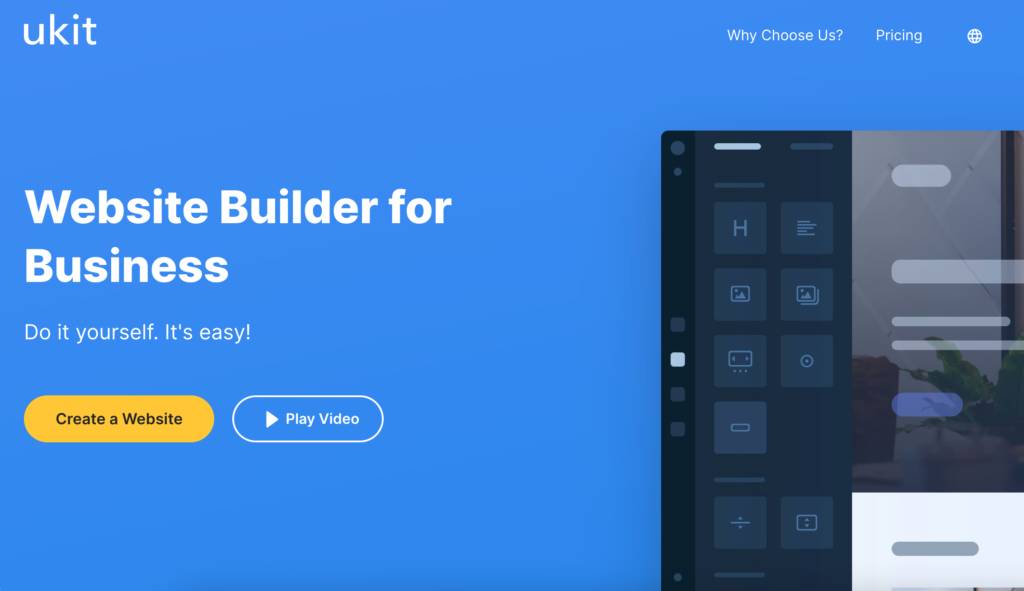
The platform can be a good fit for small companies that need a clean website without complex development. It is especially suitable for service businesses, consultants, freelancers, local companies, landing pages, portfolios, and simple commercial websites.
One of uKit’s strengths is that it focuses on simplicity. Users can start from a ready-made design and customize the website visually. uKit is also practical for businesses that need standard website elements: service sections, contact blocks, responsive layouts, forms, maps, and basic promotional pages. It is not the best choice for highly complex custom systems, but it can work well when the task is to create a clear, manageable business website.
When uKit Can Be a Good Choice
uKit may be a good option if you need:
- a small business website;
- a service company website;
- a portfolio or personal expert website;
- a landing page;
- a simple company site;
- a website that can be edited without coding;
- a quick launch based on ready-made templates.
It is especially useful when the business wants to avoid technical complexity and focus on content, structure, and presentation.
When You May Need Another Solution
A website builder is not always enough. If your business needs complex web applications, custom user accounts, advanced databases, deep integrations, or unusual checkout logic, you may need a more flexible platform or custom development.
The same applies if you need a large content project with advanced publishing workflows or a highly customized online store.
The best choice depends on the website’s purpose. A simple business website can work perfectly well on a builder, while a complex digital product needs a different technical base.
Conclusion
Choosing a website builder for a small business starts with understanding the website’s real purpose. The best platform is not always the most popular or the most advanced. It is the one that helps the business launch quickly, look professional, update content easily, and support customer inquiries.
uKit is a strong example of a practical builder for small business websites. It offers ready-made designs, responsive layouts, and a business-focused approach that can work well for service companies, consultants, freelancers, and local businesses.
For many small businesses, that is exactly what is needed: a clear website that is easy to manage and good enough to support real customer communication.